main-logo

Stay Tuned!

Subscribe to our newsletter to get our newest articles instantly!

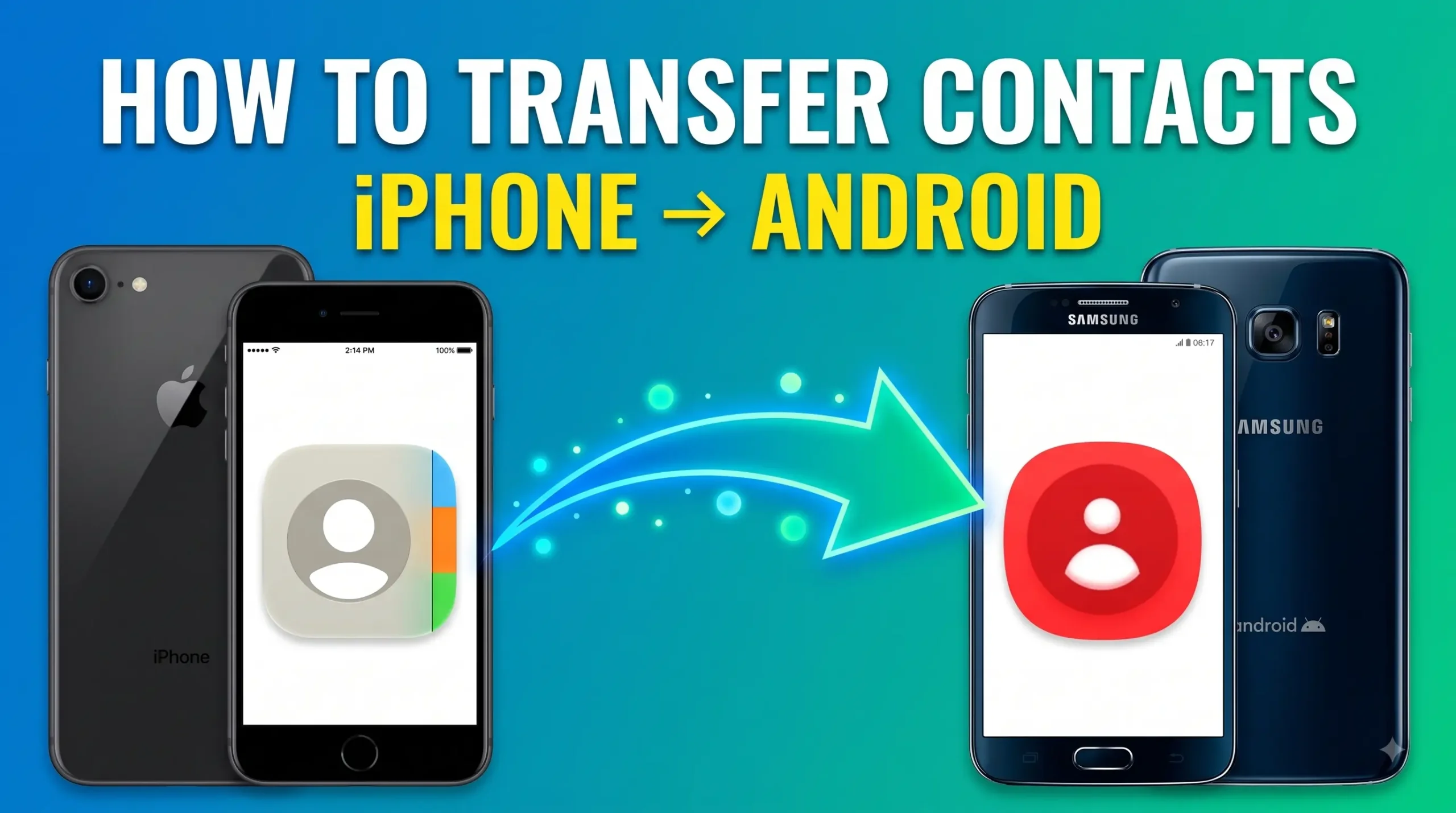
A graphic with a blue-to-green gradient background featuring the bold white and yellow text "HOW TO TRANSFER CONTACTS iPHONE -> ANDROID" at the top. On the left, an iPhone displays the Apple Contacts app icon, and on the right, a Samsung Android phone displays the contacts app icon, with a glowing green arrow pointing from the iPhone to the Android device.
Tech Tech News

Transfer Contacts Between Android and iPhone: 5 Easy Methods

Transfer contacts between Android and iPhone without manually entering every number. The fastest option for many people is to use your Google Account: if your contacts are already saved to