Google Translate Features: 10 Powerful Tools That Make Translation Easy
Language is an important part of communication, especially when travelling, studying, or working with people from different countries. Understanding a foreign language can sometimes be challenging, but modern technology has made communication much easier. One of the most popular tools for this purpose is Google Translate.
Google Translate is a free translation service developed by Google that helps users translate words, sentences, documents, and websites into different languages. It is available through its website and mobile applications for Android and iOS. With several useful tools, Google Translate features make it easier to understand different languages without needing a professional translator.
Let’s explore some of the most useful tools and how they can help in everyday life.
Table of Contents
1. Text Translation
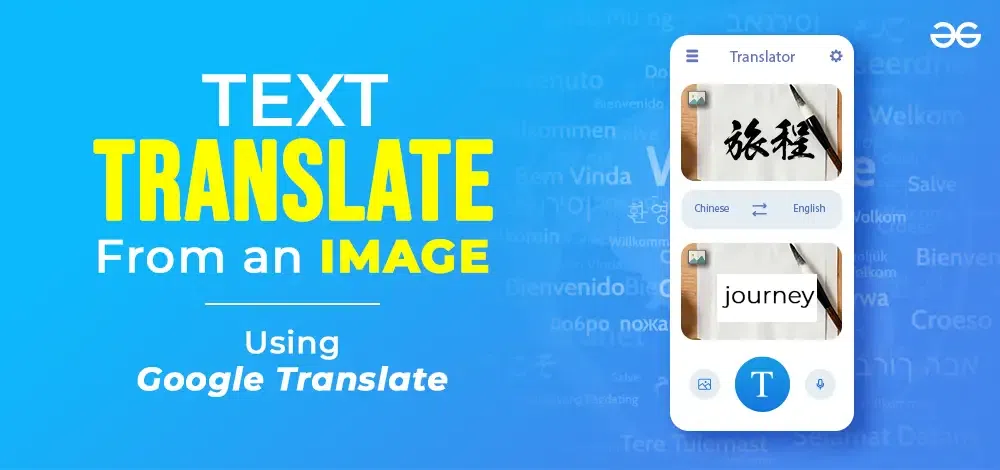
Text translation is one of the most commonly used Google Translate features. It allows users to translate individual words, sentences, and paragraphs from one language to another.
Users simply need to enter or paste the text, select the source and target languages, and get the translated result within seconds. This feature is helpful for students, professionals, and anyone who regularly communicates in different languages.
2. Camera Translation
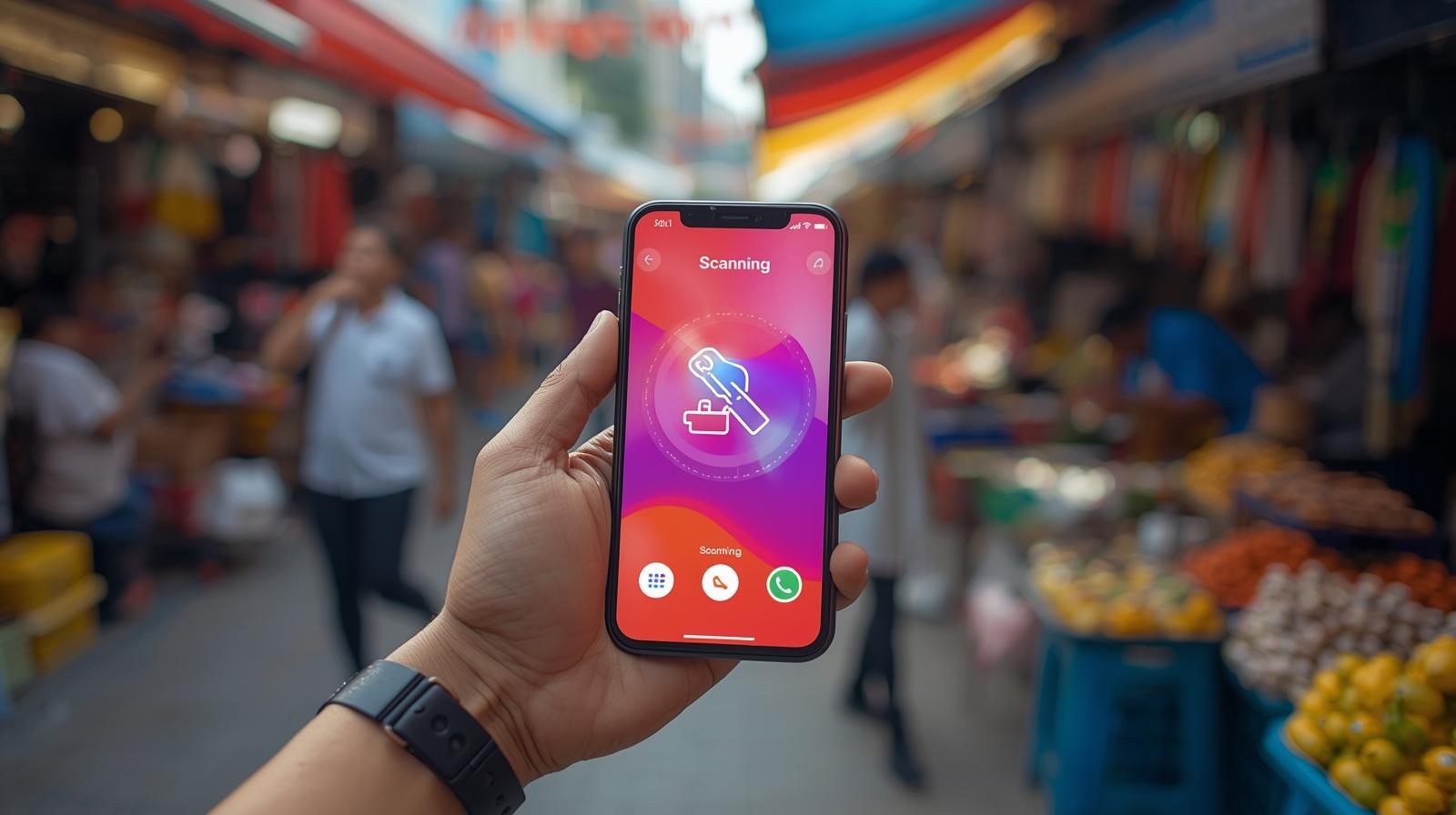
Camera translation is a useful tool for people who travel internationally. Instead of typing foreign-language text, users can point their smartphone camera at signs, menus, documents, or printed materials.
Google Translate can recognize the text and display its translation. This makes understanding unfamiliar languages much easier, especially when travelling in another country.
3. Voice Translation
Voice translation allows users to speak into their smartphones and translate spoken words into another language. It is particularly useful when typing is inconvenient.
Users can tap the microphone icon, speak their sentence, and receive the translated text. Depending on the selected languages and available functionality, the translated result can also be played aloud.
4. Conversation Mode
Conversation mode is designed for people who want to communicate with someone speaking another language. It helps translate conversations between two languages.
For example, if you are travelling abroad and need to communicate with a local person, conversation mode can make the interaction easier. Both people can speak in their preferred languages and view the translations on the screen.
5. Offline Translation
Internet access is not always available, particularly when travelling. Offline translation helps solve this problem.
Users can download supported language packs in advance and translate text without an active internet connection. This is one of the most practical Google Translate features for travellers who want to avoid depending on mobile data or Wi-Fi.
6. Handwriting Translation
Handwriting translation allows users to draw letters, words, or characters directly on their smartphone screen instead of typing them.
This feature is especially helpful when translating languages with unfamiliar alphabets or characters. It provides another convenient way to enter text.
7. Website Translation
Google Translate can also help users understand websites written in foreign languages. By entering a website address or using available browser translation options, users can translate webpage content into their preferred language.
This is useful for researching international websites, reading articles, and accessing information from different countries.
8. Document Translation
Another useful tool is document translation. Users can upload supported documents through the Google Translate website and translate their content into another language.
This can save time when working with foreign-language documents, reports, and other written materials. However, users should review important translations for accuracy.
9. Save Favourite Translations
Google Translate allows users to save useful translations for future reference. This is helpful when learning a new language or regularly using the same words and phrases.
Instead of translating the same sentence repeatedly, users can access saved translations whenever needed.
10. Transliteration Support
Transliteration helps users read words written in unfamiliar scripts by displaying their pronunciation using another writing system.
It can be useful for understanding how foreign words sound, particularly when learning a new language.
Advantages of Google Translate
Some major advantages include:
- Free and easy to use for everyday translations.
- Supports a wide range of languages.
- Provides text, voice, and camera translation.
- Offers offline translation for supported languages.
- Helps travellers communicate more easily.
- Available on smartphones and computers.
However, machine translation is not always perfect. Complex sentences, idioms, and technical terms may sometimes produce inaccurate results. Important legal, medical, or professional documents should be checked by a qualified translator.
Conclusion
Google Translate has become an important tool for overcoming language barriers. From text and camera translation to voice conversations and offline support, it offers several useful options for everyday communication. These Google Translate features make it easier for students, travellers, and professionals to understand different languages.
Although it cannot completely replace human translators, Google Translate is a convenient solution for quick translations and everyday language needs.