How to Reduce Noises in Audio 2027: Best Methods to Get Clear Sound
Table of Contents
Introduction
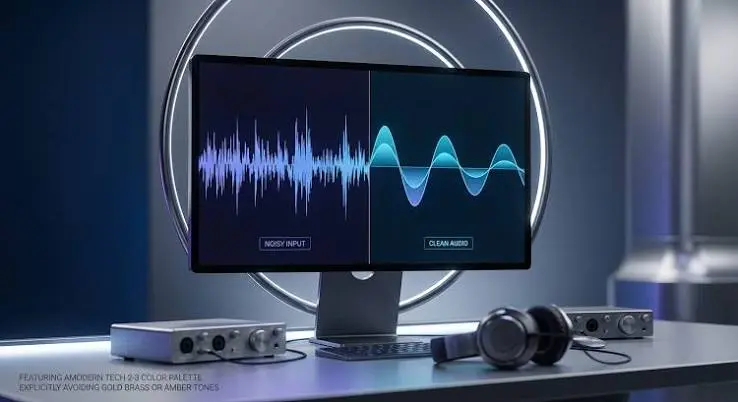
Learning how to reduce noises in audio 2027 is important for anyone who records podcasts, YouTube videos, interviews, voiceovers, or music. Background sounds such as traffic, fan noise, wind, keyboard typing, and unwanted echoes can reduce audio quality and make recordings difficult to understand.
Fortunately, you don’t need an expensive recording studio to achieve clear and professional-sounding audio. With the right recording techniques and audio editing tools, you can remove unwanted background noise and improve sound quality. In this guide, we will explore the best ways to reduce audio noise in 2027.
1. Use a Good-Quality Microphone
One of the easiest ways to improve audio quality is to use a good-quality microphone. Built-in microphones on smartphones and laptops often capture unwanted background sounds along with your voice.
An external USB microphone or a dedicated recording microphone can provide clearer sound when positioned correctly.
Tips for better recording:
- Keep the microphone close to your mouth.
- Avoid placing it near fans or air conditioners.
- Use a pop filter to reduce unwanted breathing and popping sounds.
- Adjust the microphone input level to prevent distortion.
Choosing the right microphone is an important first step when learning how to reduce noises in audio 2027.
2. Record in a Quiet Environment
Your recording environment has a major impact on sound quality. Even the best audio editing software may not completely remove loud background sounds.
Before recording, choose a quiet room and switch off unnecessary electrical devices. Close windows and doors to minimize traffic noise and outdoor disturbances.
You can also use curtains, carpets, blankets, and soft furniture to reduce sound reflections and echoes.
3. Use Audio Noise Reduction Software
Audio editing software makes it easier to identify and remove unwanted background sounds. Many modern tools provide noise reduction features that help improve voice recordings.
Some popular audio editing tools include:
- Audacity: A free audio editing program with noise reduction features.
- Adobe Audition: Professional software offering advanced noise reduction and audio restoration.
- DaVinci Resolve: Includes Fairlight audio tools for editing and improving sound.
- CapCut: Provides convenient audio noise reduction features for video creators.
These tools can help remove continuous background sounds such as humming, buzzing, and fan noise.
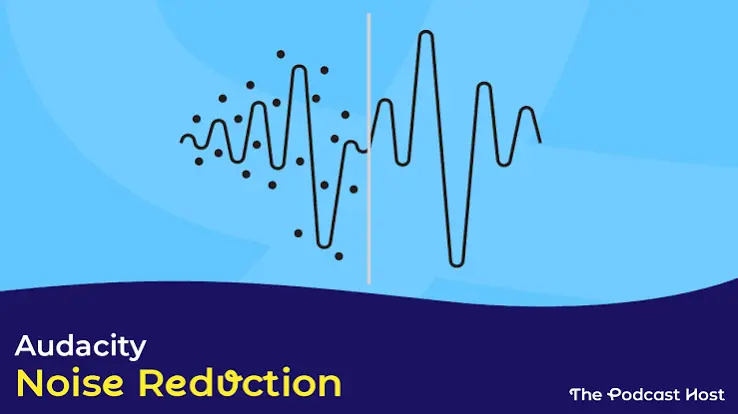
4. Remove Background Noise Using Audacity
Audacity is one of the most popular free tools for cleaning audio recordings. It offers a noise reduction feature that allows users to reduce unwanted background sounds.
Follow these steps:
- Open Audacity on your computer.
- Import the audio file you want to edit.
- Select a small section containing only background noise.
- Open the Effect menu and choose Noise Reduction.
- Click Get Noise Profile.
- Select the entire audio recording.
- Open Noise Reduction again and adjust the settings.
- Preview the result before applying the effect.
After applying noise reduction, listen carefully to ensure that your voice still sounds natural.
5. Use AI Audio Noise Removal Tools
Artificial intelligence has made audio editing easier and faster. AI-powered noise removal tools can identify unwanted sounds and separate speech from background noise.
These tools are especially useful for content creators, online teachers, podcasters, and people who record videos at home.
Depending on the tool, you may be able to reduce:
- Traffic and environmental noise.
- Keyboard and mouse sounds.
- Air conditioner and fan noise.
- Background conversations.
- Microphone hiss and static.
When exploring how to reduce noises in audio 2027, AI-powered audio enhancement is worth considering because it can simplify the editing process.
6. Reduce Microphone Noise and Echo
Sometimes, unwanted sounds come from the microphone itself or the recording space. Incorrect microphone placement, high input gain, and poor room acoustics can create noisy recordings.
To improve your audio:
- Reduce microphone gain if the recording is too sensitive.
- Keep the microphone away from electronic devices that cause interference.
- Use a microphone stand to reduce handling noise.
- Add soft materials to reduce room echo.
- Avoid recording in large, empty rooms.
These simple adjustments can make your recordings sound cleaner without requiring complicated editing.
7. Avoid Excessive Noise Reduction
Although noise reduction tools are useful, applying too much noise removal can damage the original audio. Excessive processing may make voices sound robotic, metallic, or unnatural.
Always make small adjustments and compare the original recording with the edited version. Your goal should be to reduce unwanted noise while keeping the speaker’s voice clear and natural.
Conclusion
Knowing how to reduce noises in audio 2027 can help you create better-quality recordings for YouTube videos, podcasts, online meetings, interviews, and other projects. Using a good microphone, recording in a quiet environment, and choosing suitable audio editing software can make a significant difference.
Free tools like Audacity and professional applications like Adobe Audition offer useful noise reduction features. You can also explore AI-powered audio enhancement tools for faster editing. By combining proper recording techniques with the right software, you can achieve clear, natural, and professional-sounding audio.