
main-logo

Stay Tuned!

Subscribe to our newsletter to get our newest articles instantly!

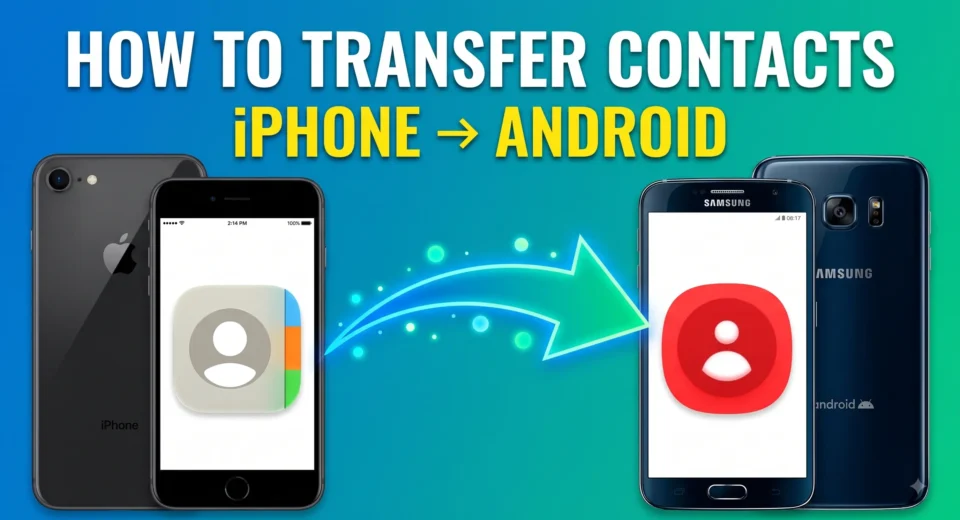
A graphic with a blue-to-green gradient background featuring the bold white and yellow text "HOW TO TRANSFER CONTACTS iPHONE -> ANDROID" at the top. On the left, an iPhone displays the Apple Contacts app icon, and on the right, a Samsung Android phone displays the contacts app icon, with a glowing green arrow pointing from the iPhone to the Android device. Tech Tech News

Transfer Contacts Between Android and iPhone: 5 Easy Methods

Transfer contacts between Android and iPhone without manually entering every number. The fastest option for many people is to use your Google Account: if your contacts are already saved to Google, simply add the same account to the other phone and turn on contact syncing. (Google Support) If you’re switching phones completely, you can also […]